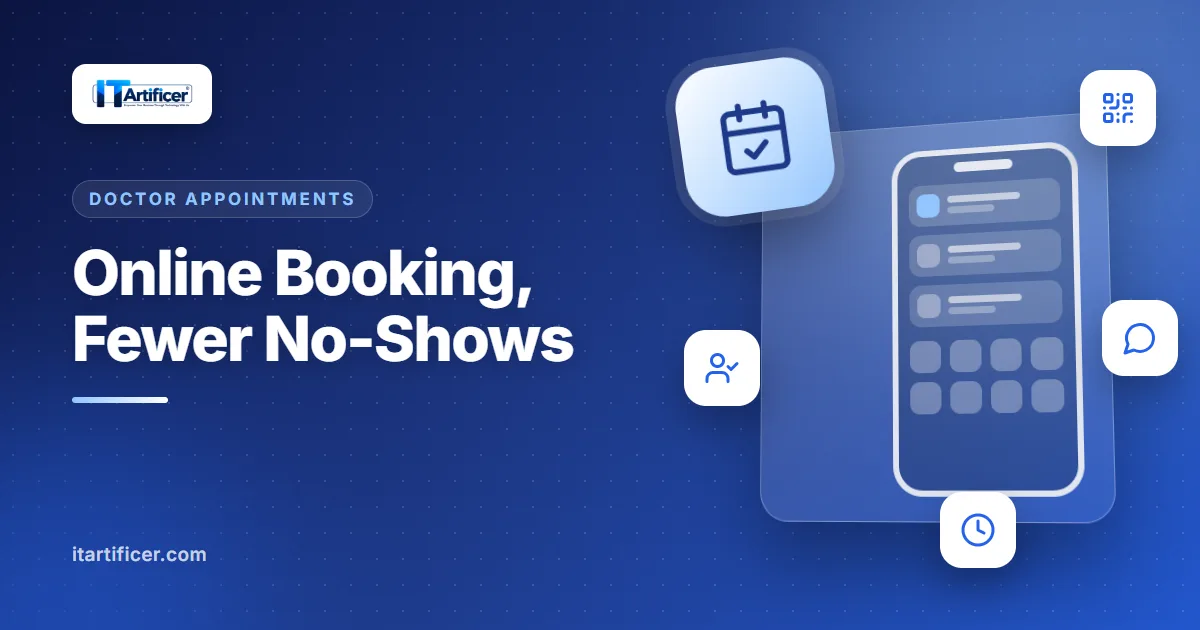
In most Pakistani clinics the day starts with a crowd: patients arrive early to get a low token number, then wait for hours. Phones ring all evening with "Doctor sahib aaj aa rahe hain?" and some booked patients simply do not turn up. Online appointment booking, combined with a token queue and reminders, fixes most of this without changing how the doctor works.
How online booking works for the patient
- 1The patient opens the clinic's booking link or scans the QR code at reception.
- 2They pick a doctor, then a day (days the doctor is off are greyed out).
- 3They choose a free time slot and enter their name and mobile number.
- 4The booking is confirmed straight away, or sent to reception for approval, depending on the clinic's setting.
- 5The day before, the patient gets a reminder on WhatsApp or SMS.
What the clinic gains
| Problem | Without booking | With online booking |
|---|---|---|
| Waiting-room crowd | Everyone arrives at once for a low token | Patients come for their slot |
| Phone calls | Reception answers the same questions all day | Patients see the free slots themselves |
| No-shows | Empty slots nobody could fill | Next-day reminders by WhatsApp or SMS |
| Follow-ups | Patients forget to come back | Follow-up reminders from the prescription date |
| Returning patients | New file every time | Matched by mobile number and name |
Reminders that work in Pakistan
Patients here live on WhatsApp, so reminders should too. Our system gives each clinic three choices: WhatsApp click-to-send, which is free and needs no account (staff click and WhatsApp opens with the message ready), any SMS provider with a web API, or a test mode that only logs messages. A daily job at 5 PM sends next-day appointment reminders and follow-up reminders, and never sends the same reminder twice.
Protecting the booking page
A public booking page must stop mistakes and abuse. Ours rejects slots that are already taken, times outside the doctor's schedule, past dates and days off, invalid mobile numbers and spam bots, limits how many bookings one number can make, and slows down repeated attempts. One clinic can never book another clinic's doctor.
Print the QR code
Put the booking QR code at reception and on your prescription pad. Patients who scan it once usually book online next time.
Token queue for walk-ins
Online booking does not replace walk-ins. Reception still registers walk-in patients, who get a token number for their doctor and day, and the dashboard shows the live queue with check-in and consult buttons. Online and walk-in patients sit in the same list.
Patient portal
Once an SMS provider is connected, patients can sign in to the clinic's portal with their mobile number and a one-time code, with no password, to see upcoming appointments, cancel one, and view their prescriptions and bills. Family members who share one number appear together.
Getting started
Online booking is part of our clinic management software, so bookings land in the same appointment list, patient record and billing. Clinic networks that want a branded, multi-clinic patient app use our Appointment Booking App, which connects patients with doctors, clinics, labs and pharmacies. Book a free demo and we will set up a booking page for your clinic.
From IT Artificer
Hospital & Clinic Management Software
Front desk, OPD, lab, pharmacy and billing for hospitals and clinics.
Read more from IT on the IT Artificer blog — covering engineering, growth and the craft of building enterprise software.